
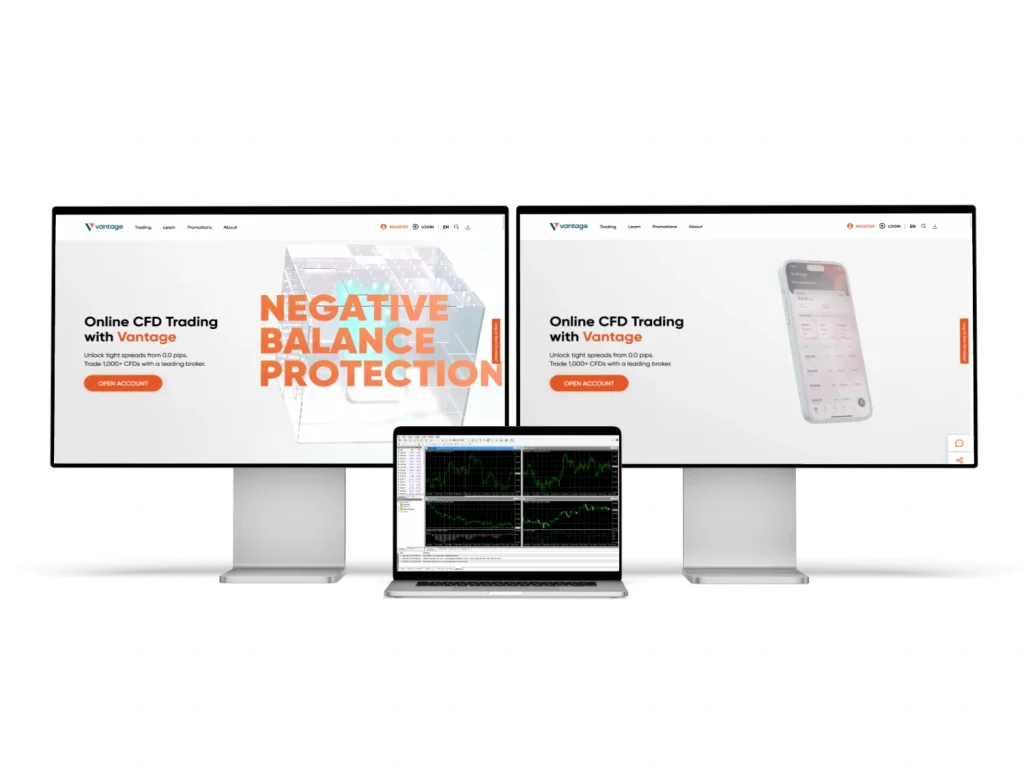
Getting Started with MetaTrader 5 on Vantage Platform
Our company delivers MetaTrader 5 integration tailored for traders in India who require advanced trading tools. We provide direct access to this professional trading platform via Vantage accounts. MetaTrader 5 links seamlessly to your Vantage trading account, enabling detailed market analysis and swift trade execution.
Start by registering an account on our website, ensuring you select India as your country. Input your personal details, verify your email, and confirm your phone number through an SMS code. After verification, access the dashboard to set up MetaTrader 5 connections.
We support multiple account types optimized for MetaTrader 5, including our Standard STP accounts. Setup typically requires 5 to 10 minutes after verification is complete. Our platform ensures smooth integration with MetaTrader 5 for Indian market conditions.
System Requirements for MetaTrader 5 Integration
To use MetaTrader 5 with Vantage in India, your device must meet certain technical standards. Supported systems include Windows 7 or newer, macOS 10.12+, and Android 4.0 or later. A minimum of 1GB RAM and 50MB free storage is necessary for efficient operation.
Both 32-bit and 64-bit OS versions are supported. Internet speed should be no less than 1 Mbps for uninterrupted real-time data streaming. Our Mumbai-based servers minimise latency for Indian internet connections, ensuring rapid trade processing.
| System Component | Minimum Requirement | Recommended |
|---|---|---|
| Operating System | Windows 7/macOS 10.12 | Windows 10/macOS 12+ |
| RAM Memory | 1GB | 4GB |
| Storage Space | 50MB | 200MB |
| Internet Speed | 1 Mbps | 5+ Mbps |
Account Configuration and MetaTrader 5 Setup Process
We provide specific MetaTrader 5 server details for Indian clients accessible from your Vantage dashboard. Download the installation package directly from our servers to guarantee compatibility. During installation, select the server cluster matching your account type.
Standard STP accounts connect to servers optimized for Indian trading hours (9:30 AM to 3:30 PM IST). When prompted, enter your Vantage MetaTrader 5 login credentials. The platform configures market data feeds instantly, enabling access to over 100 forex and CFD instruments.
Login Credentials and Server Selection
Your MetaTrader 5 trading login is unique and displayed in your account dashboard after setup. These credentials are numeric account IDs used exclusively for the MetaTrader 5 platform. Selecting the “Vantage-India” server cluster optimises execution speed, with latency under 50 milliseconds for most Indian users.
Ensure to use the provided server information exactly as it appears to maintain stable connectivity and accurate pricing. Our Mumbai-based infrastructure supports fast and reliable trade execution tailored to Indian market needs.
Trading Interface Navigation and Features
MetaTrader 5’s interface integrates with Vantage’s backend to deliver real-time data and account metrics. The main window features price charts, order panels, and open position overviews. We highlight instruments favoured by Indian traders for convenient access.
The Market Watch window lists available forex pairs, commodities, and cryptocurrencies with updated bid/ask prices. Our spreads start at 0.1 pips on major pairs, with order types including market, pending, stop loss, and take profit. Execution speed averages 50 milliseconds under regular conditions.
Chart Analysis and Technical Indicators
MetaTrader 5 provides over 80 technical indicators such as RSI, MACD, and Bollinger Bands. Users can apply multiple timeframes, from one minute to monthly charts, supporting diverse strategies. Drawing tools allow trend lines, Fibonacci retracements, and support/resistance identification.
Charts can be saved as templates, enabling consistent setups across sessions. Historical price data up to 10 years is available for backtesting. Candlestick charts are recommended due to their detailed price representation and are easily switchable with bar or line charts.
- Access Market Watch for live instrument prices
- Set stop loss and take profit directly on charts
- Use custom templates for recurring analysis
- Apply indicators via the Navigator pane
- Monitor trades and account status in the Terminal window
Order Management and Trade Execution
Our platform supports multiple order types tailored for various trading strategies. To place an order, right-click an instrument in Market Watch and select “New Order.” Input trade size (minimum 0.01 lots), choose order type, and optionally set stop loss and take profit points.
Margin requirements calculate automatically, reflecting your leverage settings. The Trade tab displays all open positions with live profit/loss and margin usage. You can manually close positions or employ trailing stops for dynamic exit management.
Risk Management Tools and Position Sizing
MetaTrader 5 includes risk management features such as maximum trade size limits and daily loss thresholds. Automatic checks prevent exceeding leverage limits based on your equity. Stop loss orders trigger within 2 pips of set levels under normal market circumstances.
Use the built-in risk calculator to determine position size based on account balance, risk percentage, and stop loss distance. We recommend risking no more than 2% of capital per trade to safeguard trading longevity.
Mobile Trading with MetaTrader 5 App
Our MetaTrader 5 mobile app supports Android and iOS devices, providing full trading capabilities on the go. Download from official stores and log in using your Vantage MetaTrader 5 credentials. The app syncs account info, open trades, and history across devices.
The mobile interface is optimised for touch control while maintaining advanced tools like charting and order placement. Push notifications alert users to price changes, trade executions, and margin warnings, ensuring timely responses during Indian trading hours.
Mobile App Installation and Setup
Install the MetaTrader 5 app from Google Play or Apple App Store. The download size is approximately 25-40MB. During setup, grant permissions for notifications and internet access. Input server details and login credentials to connect your account securely.
Data transfer is encrypted via SSL protocols. Configure notification preferences, chart styles, and enable biometric login for enhanced security. The app supports 4G and WiFi to maintain stable connections during trading sessions.
| Mobile Feature | Android Support | iOS Support |
|---|---|---|
| Real-time Quotes | Yes | Yes |
| Chart Analysis | 30+ Indicators | 30+ Indicators |
| Order Types | All Types | All Types |
| Push Notifications | Customisable | Customisable |
| Offline Charts | Limited | Limited |
Advanced Trading Features and Automation
MetaTrader 5 supports automated trading via Expert Advisors (EAs) that execute strategies without manual input. Our platform allows uploading and running custom EAs compliant with Indian regulations. Use the MQL5 editor to develop or modify trading robots.
The Strategy Tester runs backtests using tick-level historical data, simulating spreads, slippage, and commissions to replicate live conditions. Copy trading is also available, enabling subscription to verified signal providers focused on instruments popular in India.
Expert Advisor Configuration and Monitoring
Install EAs by placing files into the MetaTrader 5 Experts directory, then restarting the platform. Both compiled (.ex5) and source (.mq5) files are supported. Enable automated trading and attach EAs to charts for activation.
Monitor EA activity through the Experts tab, which logs trades, profits, and errors. Test strategies on demo accounts before live use. Use VPS hosting for uninterrupted EA operation, ensuring 99.9% uptime and minimal latency to our Indian servers.
| Feature | Details |
|---|---|
| Automated Trading | Expert Advisors (EAs) support with MQL5 |
| Backtesting | Tick-level data, realistic simulation |
| Copy Trading | Access to verified Indian-focused signal providers |
| VPS Hosting | 99.9% uptime, low latency servers in Mumbai |
Account Funding and Withdrawal Procedures
We support multiple deposit methods for Indian traders including UPI, bank transfers, and digital wallets. Minimum deposit for MetaTrader 5 trading accounts starts at ₹5,000. UPI transfers clear within 15 minutes, bank transfers take 2-4 hours, and international wires require 1-2 business days.
Funds deposited in INR convert to USD trading currency with a 0.5% conversion fee. Withdrawal requests are handled via the Vantage dashboard, with domestic transfers completed in 24 hours. Client funds are held in segregated Indian bank accounts, ensuring regulatory compliance and safety.
Currency Conversion and Fee Structure
Deposit and withdrawal conversions apply a 0.5% fee on the exchange rate displayed in your dashboard before confirmation. Forex trades incur no commissions, with spreads from 0.1 pips. Commodities have $7 per lot commissions, and cryptocurrencies apply a 0.1% fee on trade value.
Swap rates for overnight positions are calculated based on currency interest differentials. Positive swaps add credit to your account, while negative swaps deduct charges. All fees and financing are transparent and regularly updated.
| Payment Method | Deposit Time | Withdrawal Time | Minimum Amount |
|---|---|---|---|
| UPI Transfer | 15 minutes | 2-4 hours | ₹1,000 |
| Bank Transfer | 2-4 hours | 24 hours | ₹5,000 |
| Wire Transfer | 1-2 days | 2-3 days | ₹10,000 |
Technical Support and Platform Maintenance
We offer dedicated MetaTrader 5 support through live chat, email, and phone during Indian business hours (9:00 AM to 6:00 PM IST). Our team assists with installation, connection, and trading platform inquiries. Maintenance schedules occur weekends from 6:00 PM Saturday to 4:00 PM Sunday IST to avoid market disruption.
Notifications of maintenance are sent 48 hours in advance via platform alerts and email. Our knowledge base includes tutorials, FAQs, and troubleshooting for MetaTrader 5. Platform updates are delivered automatically, with security patches applied immediately and feature updates requiring user confirmation.